Your personal Agent in xopc
Meet Ada.Take your time. I’m listening.
Ada is your personal Agent in xopc. Think through your goals, hand over a task, and get work back to review and refine.
Hi, I’m Ada. Take your time. Let’s move something forward.
Interactive example · Delegate real tasks in xopc.
Ada and the workspace live in the same xopc app. No separate installation.
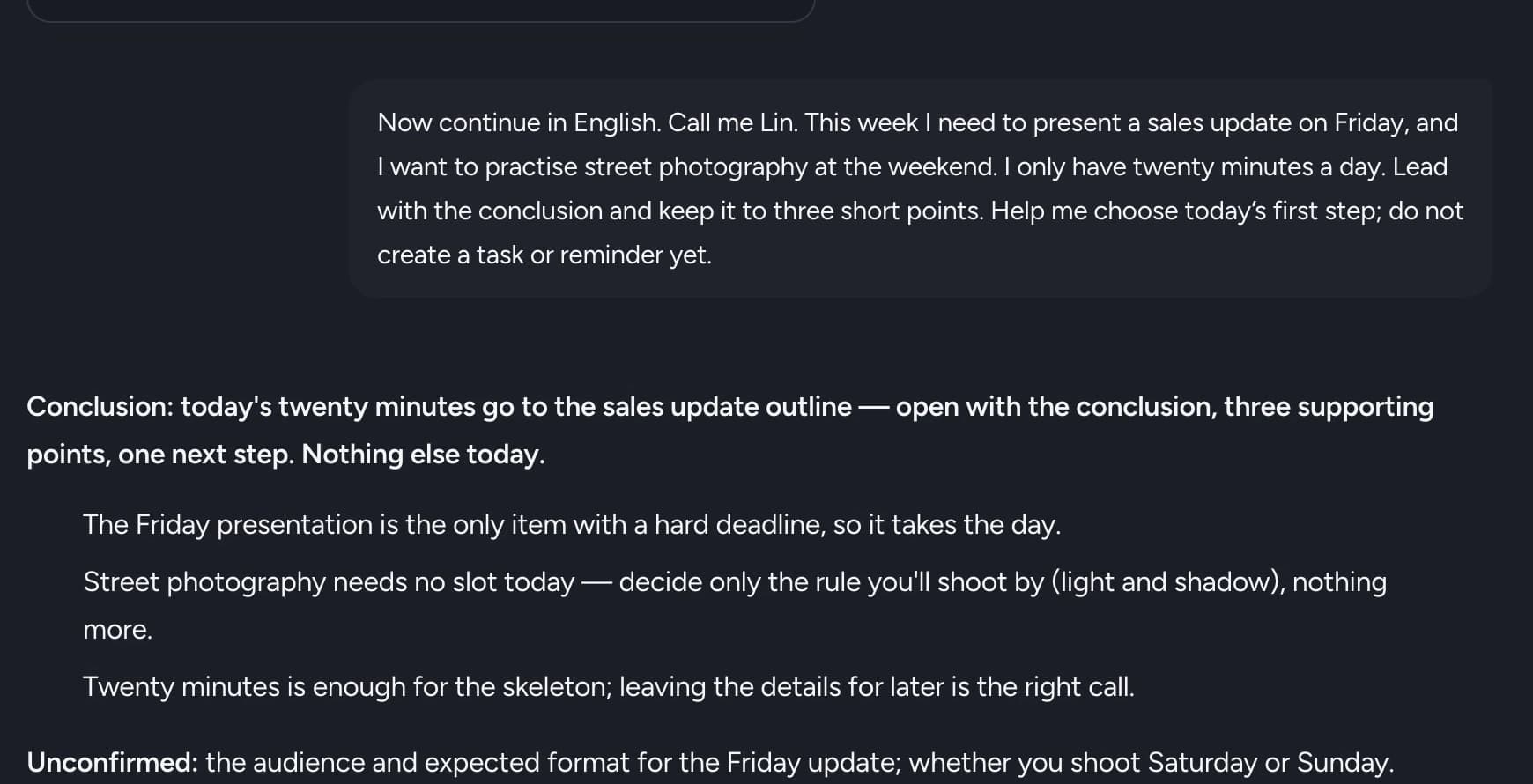
You do not need a perfect brief. Start with you.
Your background, your habits, or an idea you are still figuring out. That is where Ada begins.
01
Think it through. Your way.
Share the goal. Add a little context. Find the next step together.
02
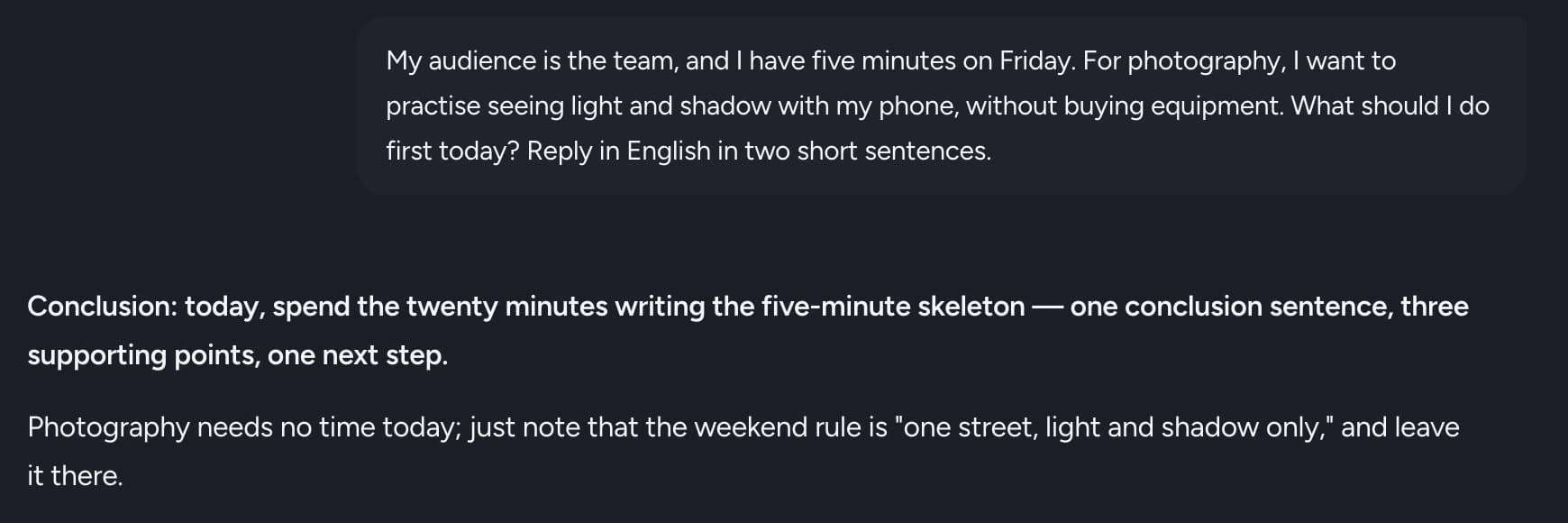
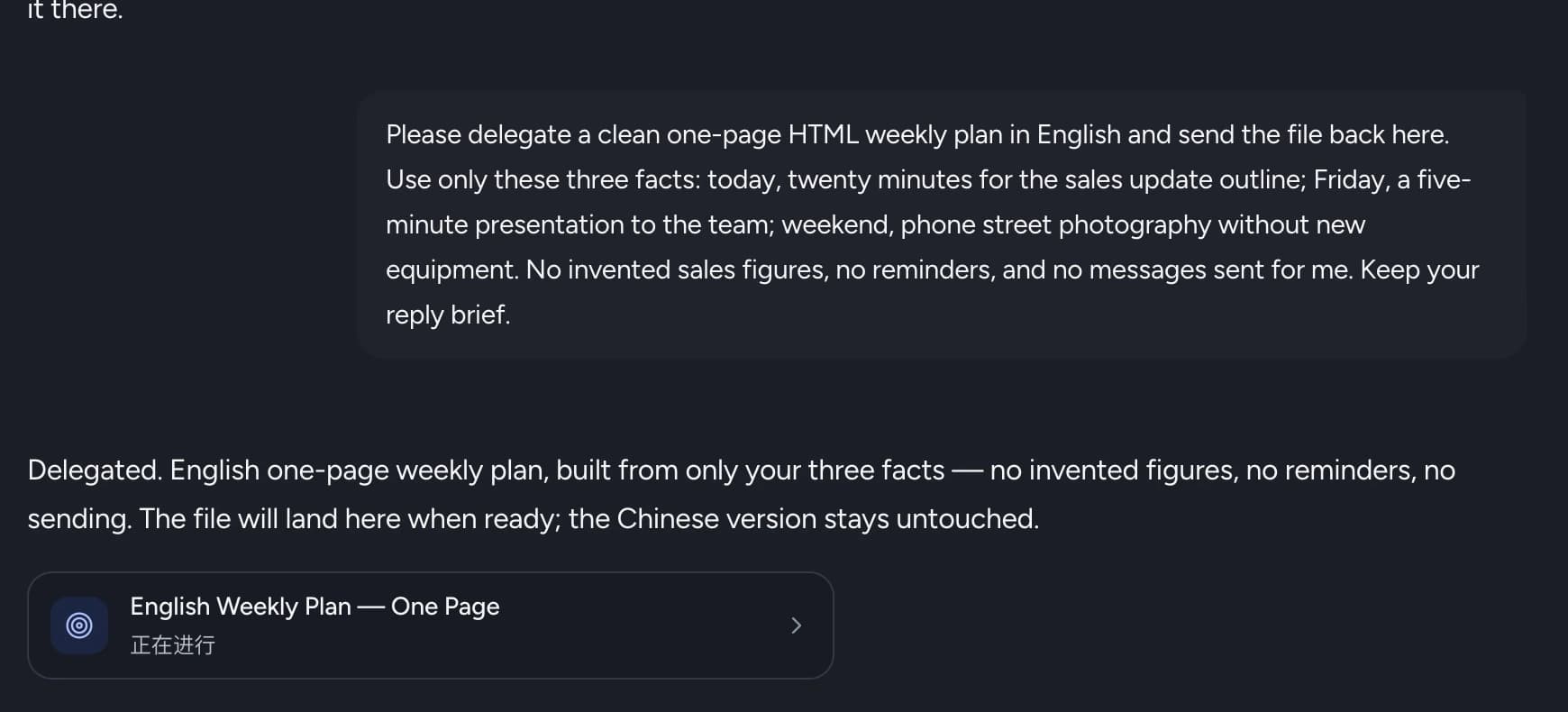
Give Ada something to do.
Ask for your weekly plan as a one-page file. While Ada works, you can keep talking.
03
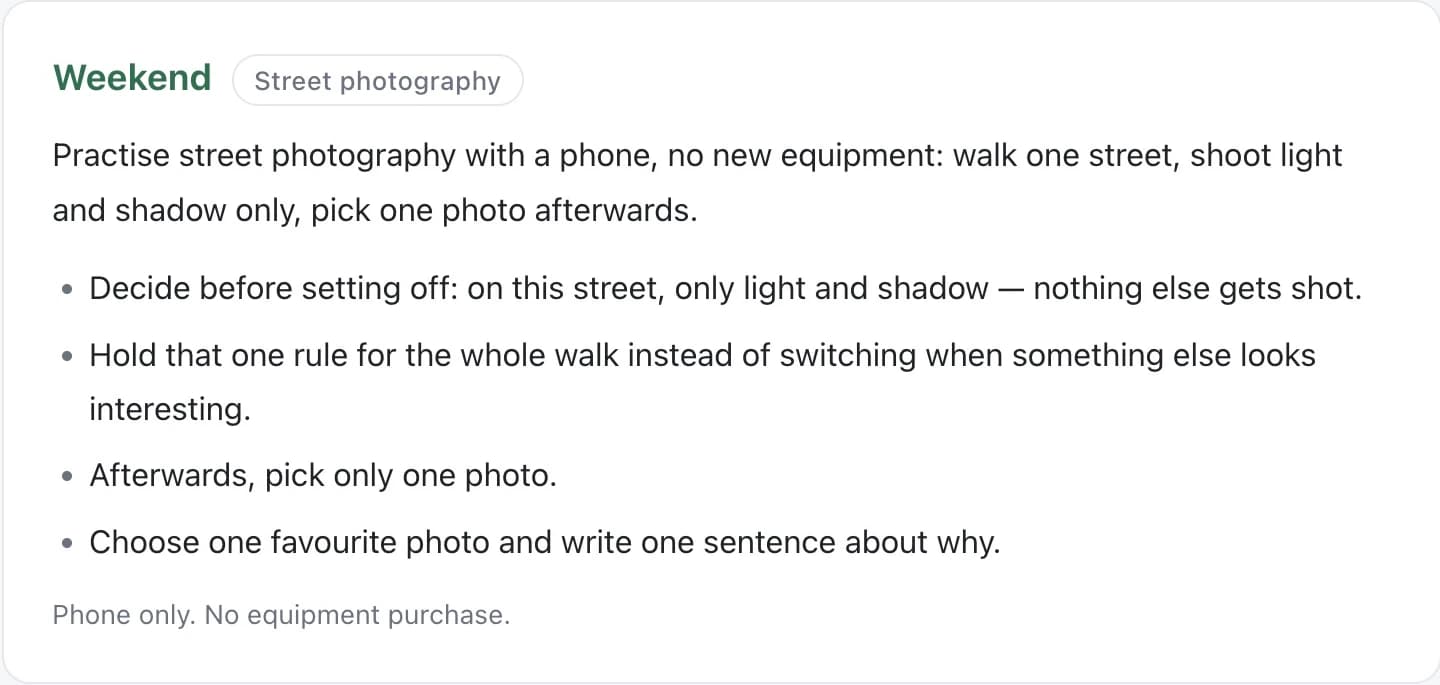
Review the result. Make it yours.
Open the file. Take a look. Tell Ada what you want to change.
Ada + xopc
Ada lives in xopc.
Talk with Ada to find a direction and delegate a task. Open the workspace to work directly with files. It is all in the same xopc app.
Before you begin.
How do Ada and xopc fit together?
Ada is your personal Agent in xopc. Talk through goals and delegate tasks with Ada, or work directly with files and projects in the xopc workspace. There is no separate app to install.
How do I get started?
Download the xopc desktop app, connect a model provider, and open the personal Agent. Share a little about yourself and how you like replies, then give Ada a small task.
Where does my data go?
Core xopc state stays local. When you use a cloud model, its provider processes the request context. You can review, correct or delete memory, and choose which models and tools to use.
Your next idea. A little help from Ada.
Download xopc. Meet your personal Agent.
Download xopc. Meet Ada.